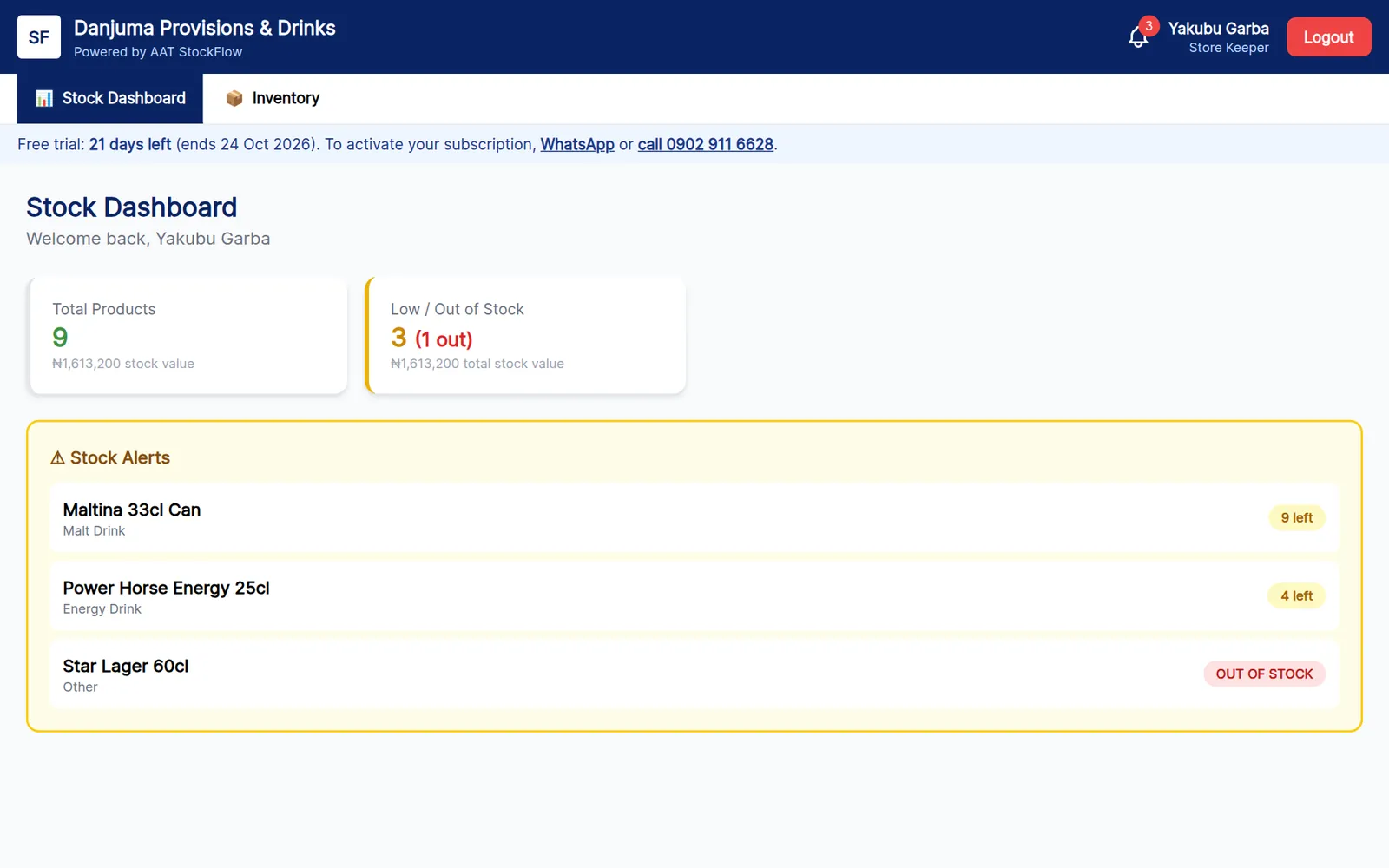
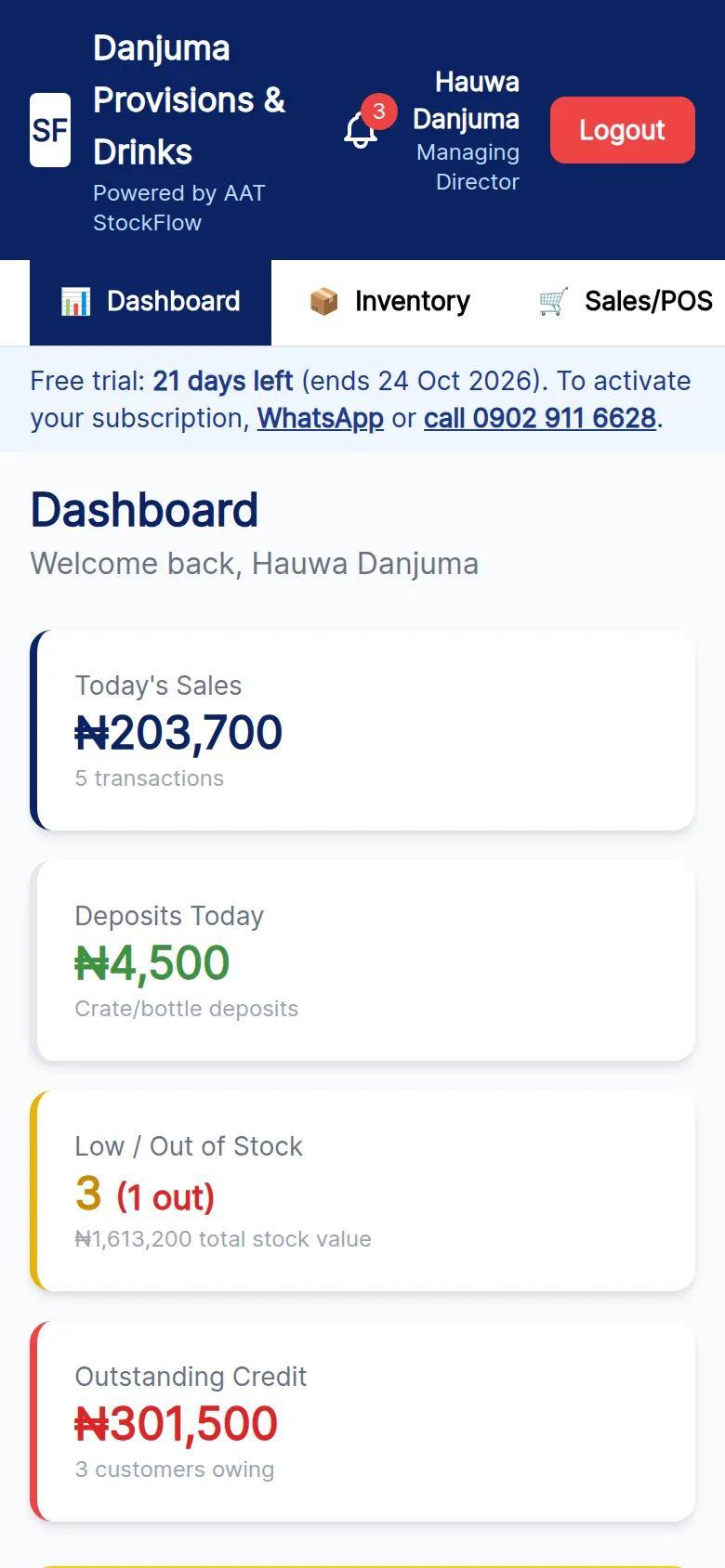
StockFlow is for provision stores, drinks depots, supermarkets and wholesalers. Keep stock by the carton, crate, pack or bottle, sell at wholesale or retail price, and print a receipt for every sale. It shows exactly who owes you and how much, and gives your cashiers and store keeper their own logins.

Hundreds of items, quick retail sales at the counter, and stock that needs reordering before it runs out.
Sales by crate, pack or bottle, returnable crate and bottle deposits, and wholesale prices for retailers.
Separate wholesale and retail prices, credit customers with limits, and a clear record of every delivery.
An owner with one or two attendants who want to stop guessing at the end of each day.
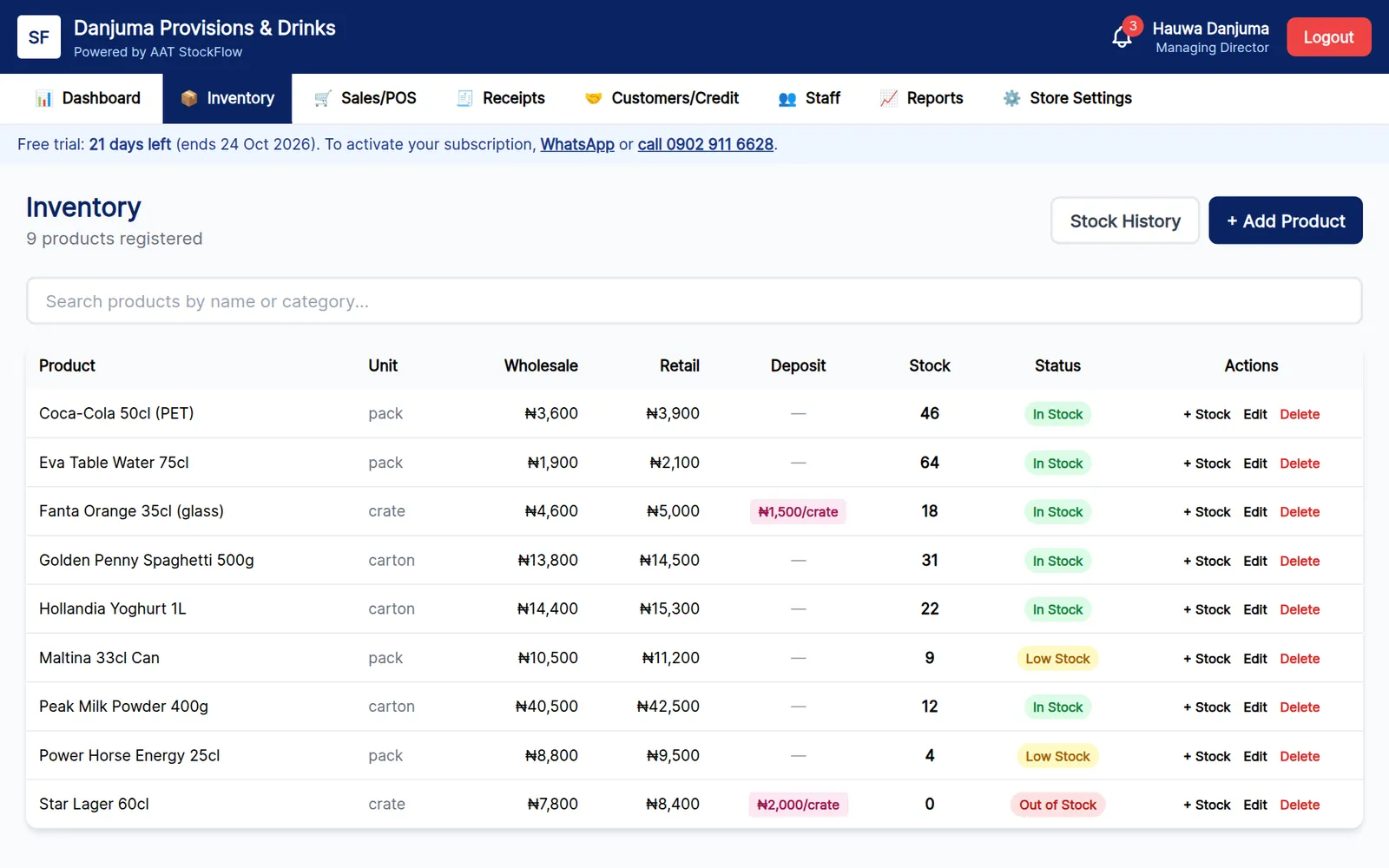
Record each product with its package unit, cost price, wholesale price and retail price. Stock goes down automatically with every sale.
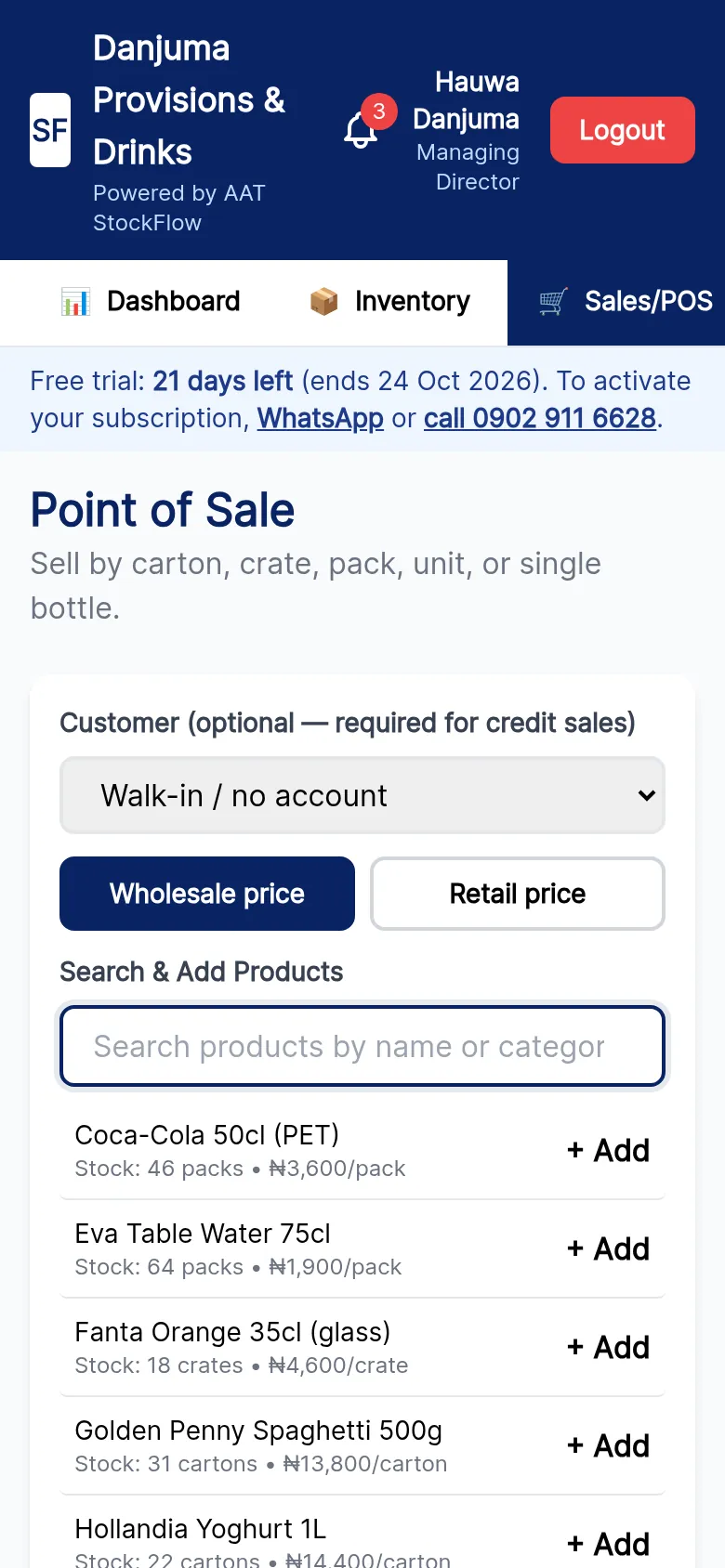
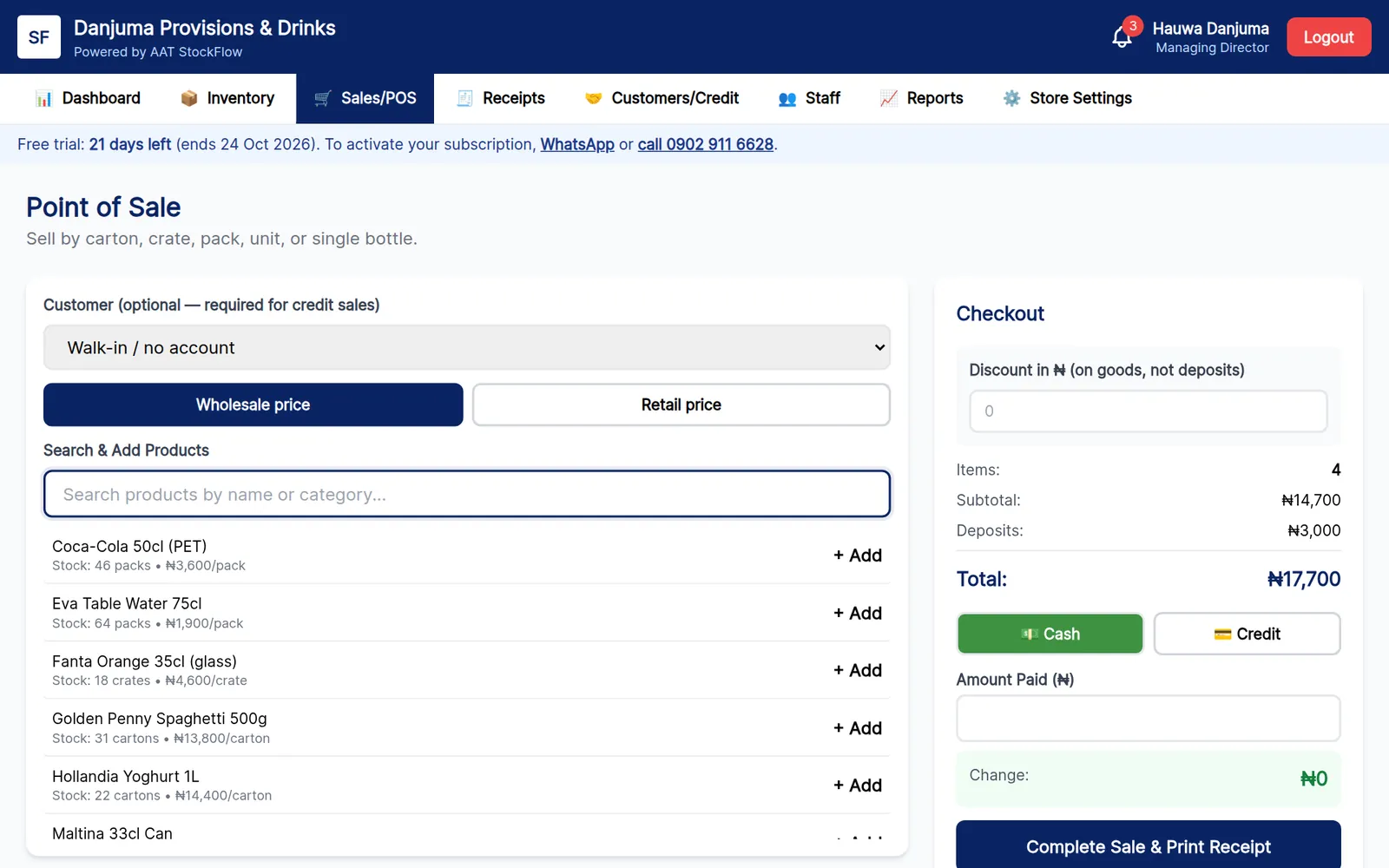
Search, tap to add, and switch between wholesale and retail prices in one click. Take cash with change calculated, apply a discount, or sell on credit.
Mark products with returnable crates or bottles and set the deposit. Deposits are added at checkout and tracked separately from your sales revenue.
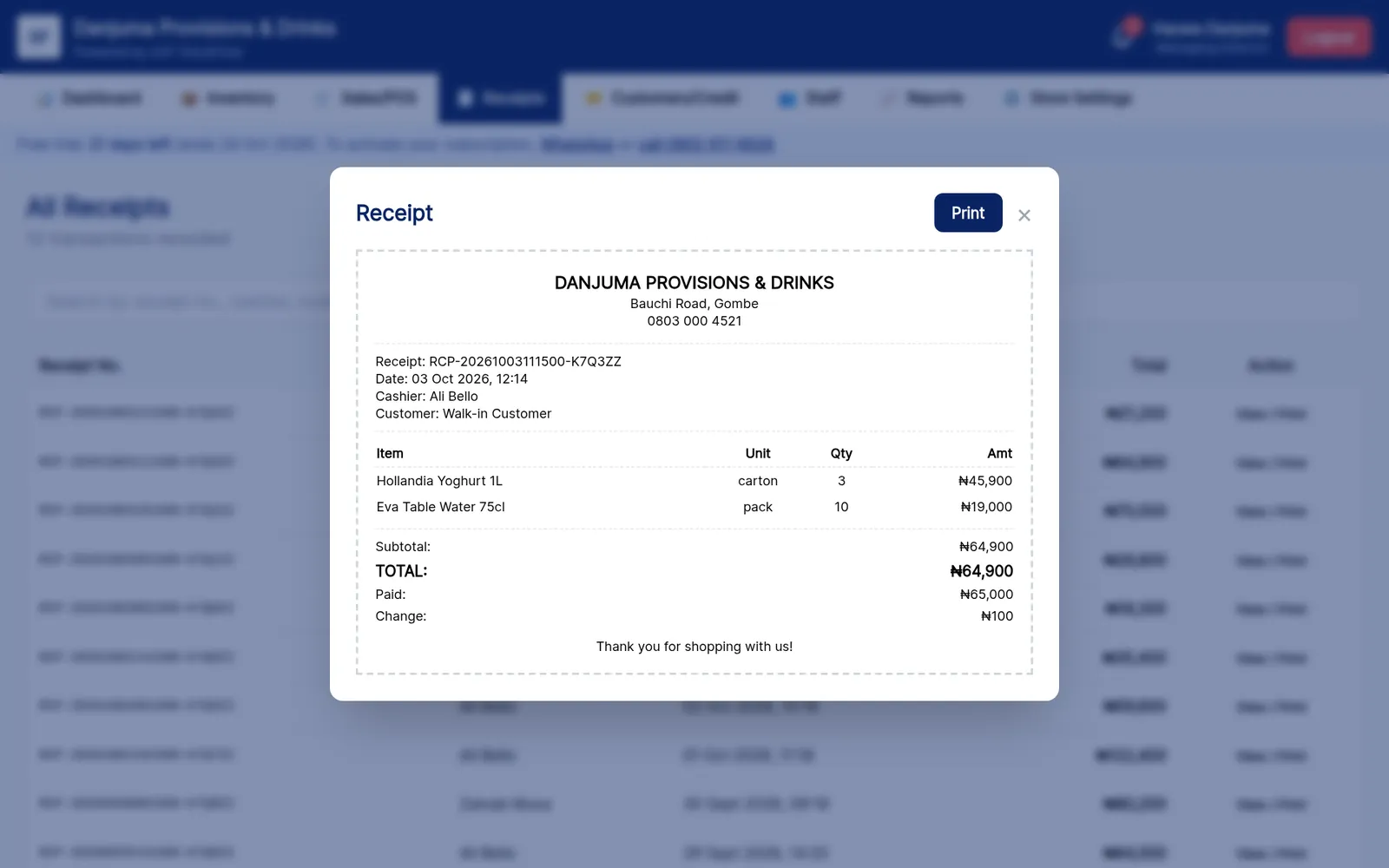
Every sale gets a unique receipt number, with your store's name, address, phone and logo. Print it, or find and reprint any old receipt.
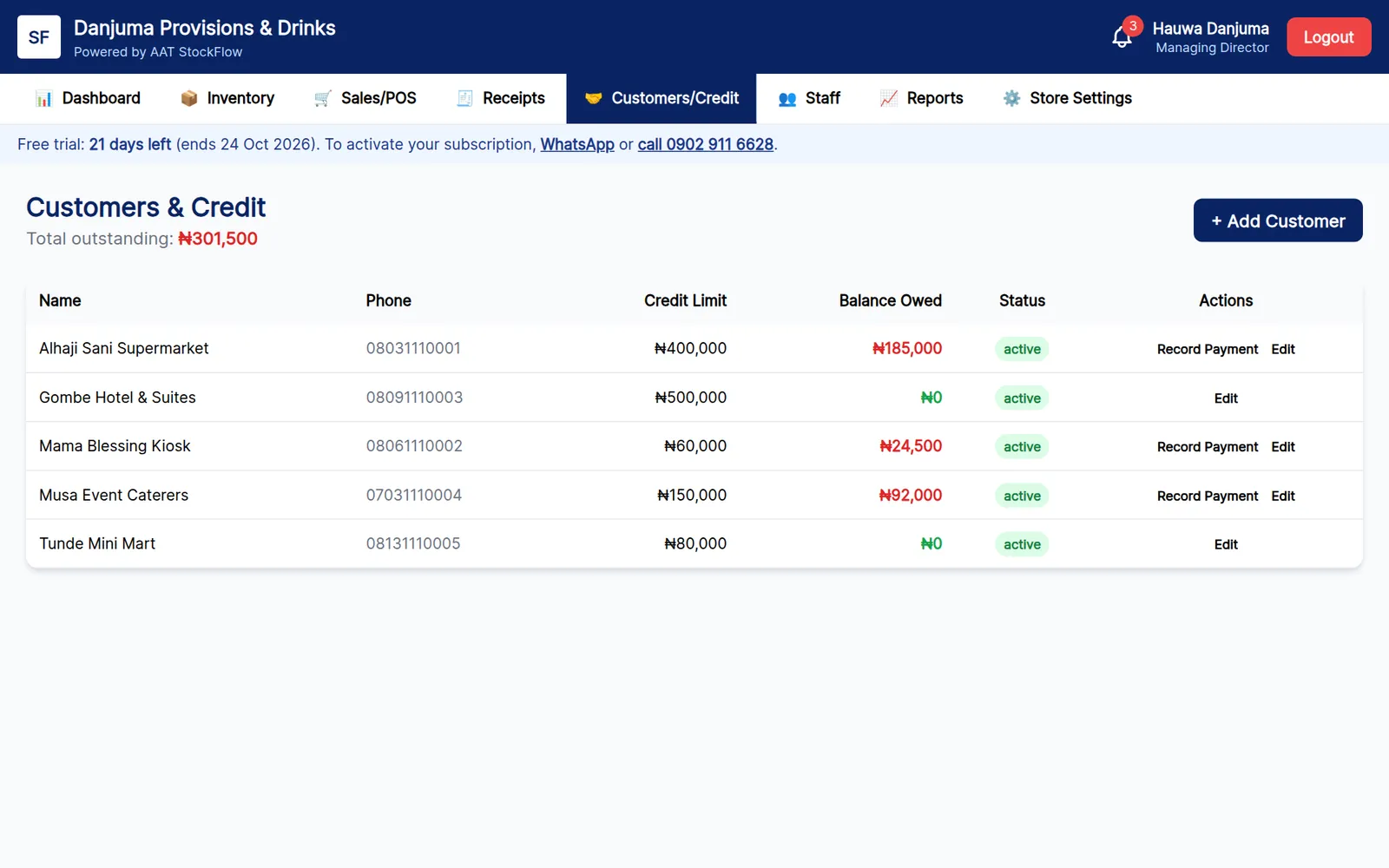
Sell on credit to registered customers, set a credit limit for each one, and record part-payments. Your total outstanding is always on the dashboard.
Set a reorder level for each product. StockFlow flags what's running low or finished, so you restock before customers walk away.
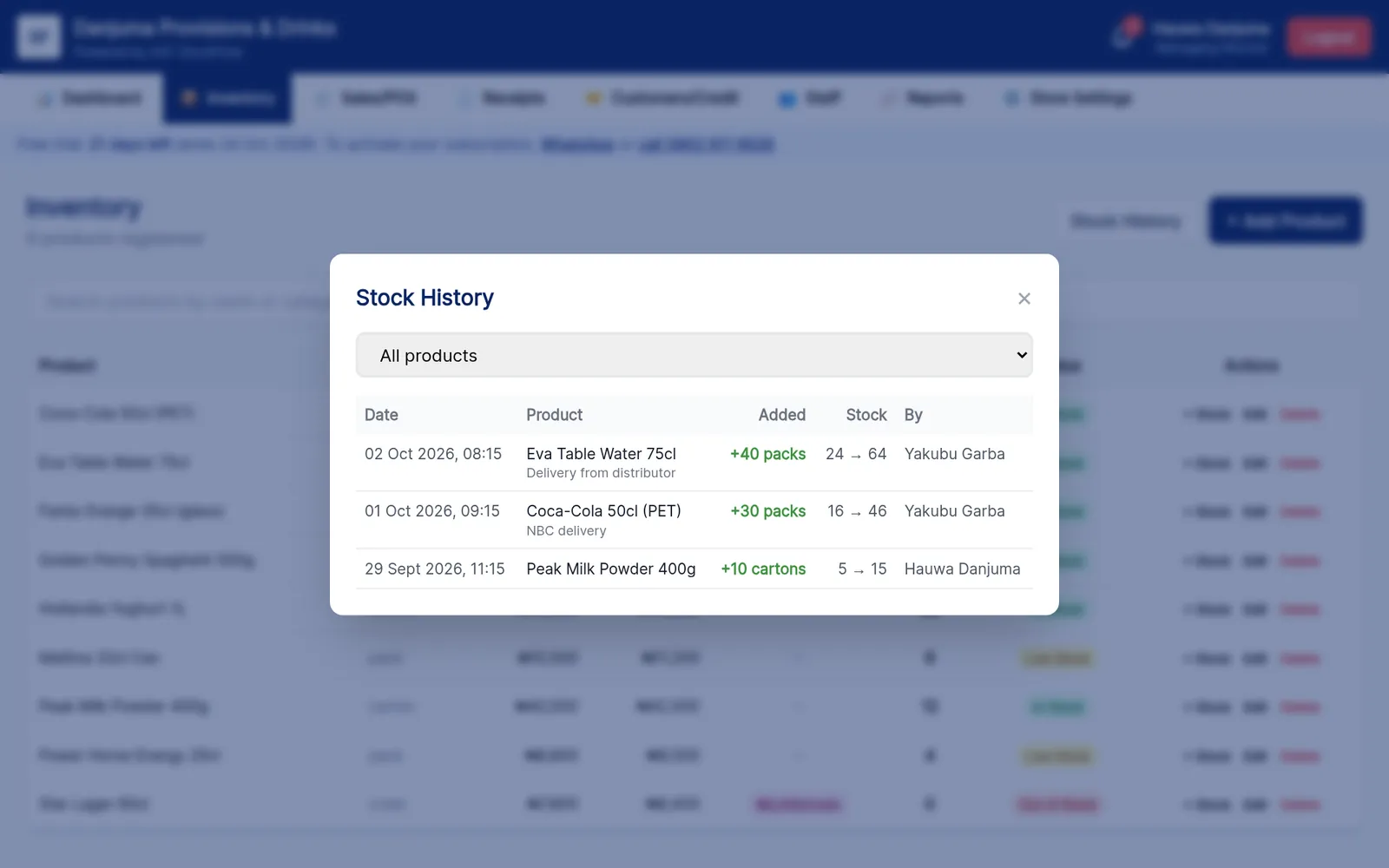
Every delivery added is logged with who added it, when, and the stock before and after. Entries can't be edited or deleted.
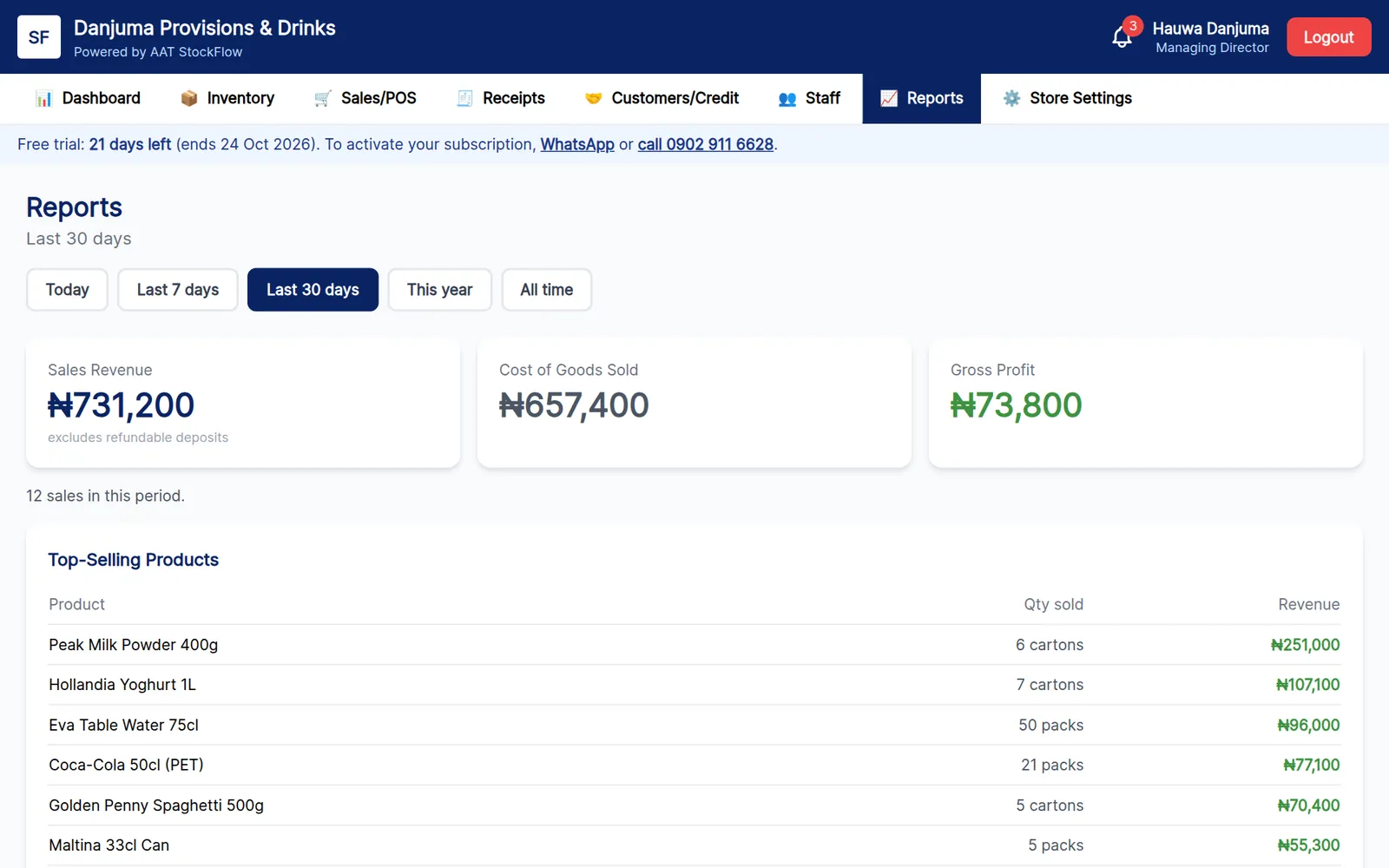
See today, the last 7 or 30 days, this year or all time: sales revenue, cost of goods sold, gross profit and your top-selling products.
Keep selling when the network drops. Sales sync automatically when you're back online, and each store's data is kept completely separate.
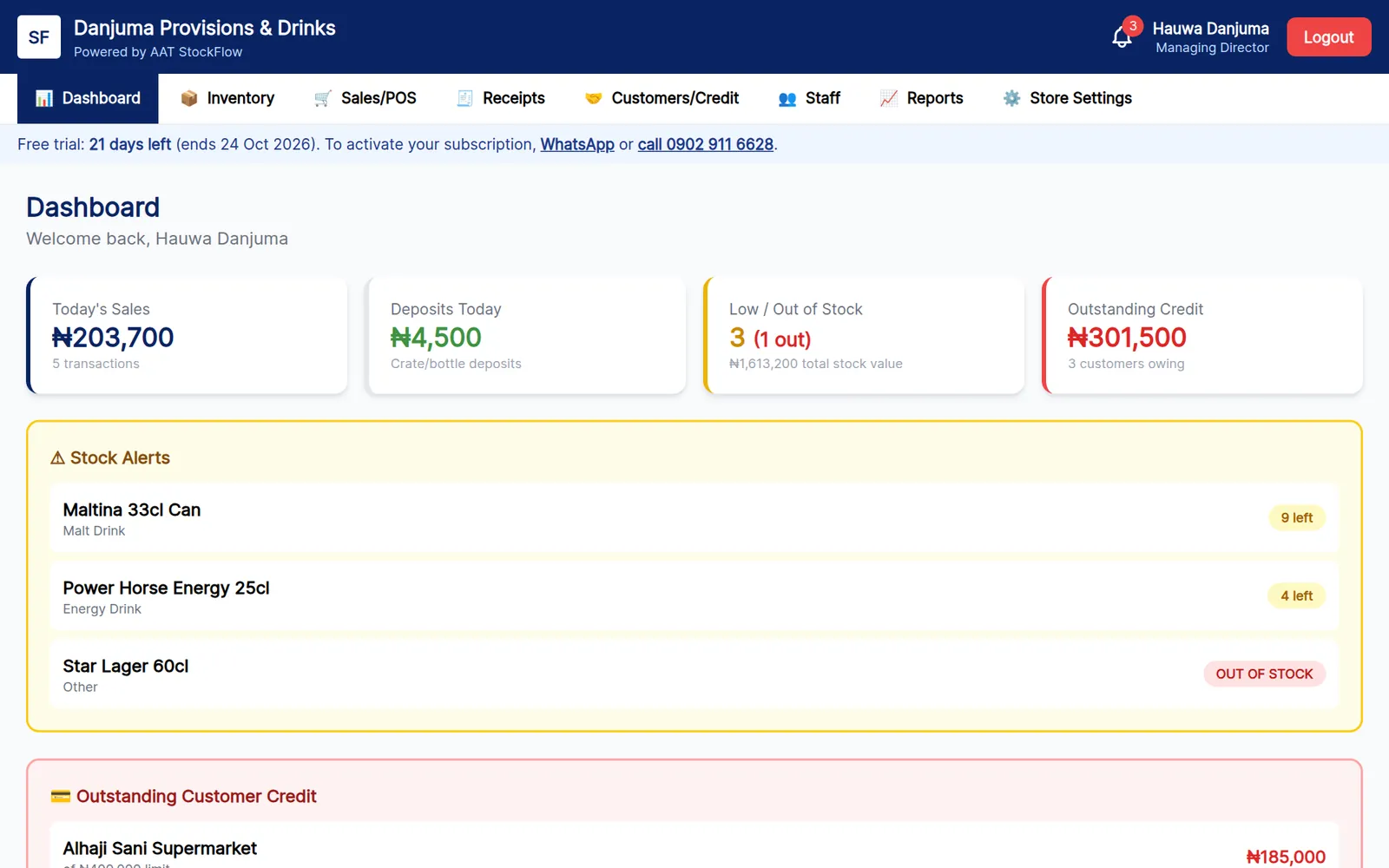
Sample store with fictional products and customers.


StockFlow runs in any modern browser. Use it on the shop computer for fast sales, and check today's takings and stock alerts on your phone wherever you are. You can install it on your home screen like an app.
Go to stockflow.tafeedaworldwide.com.ng in Chrome, Edge or Safari, on a computer or phone.
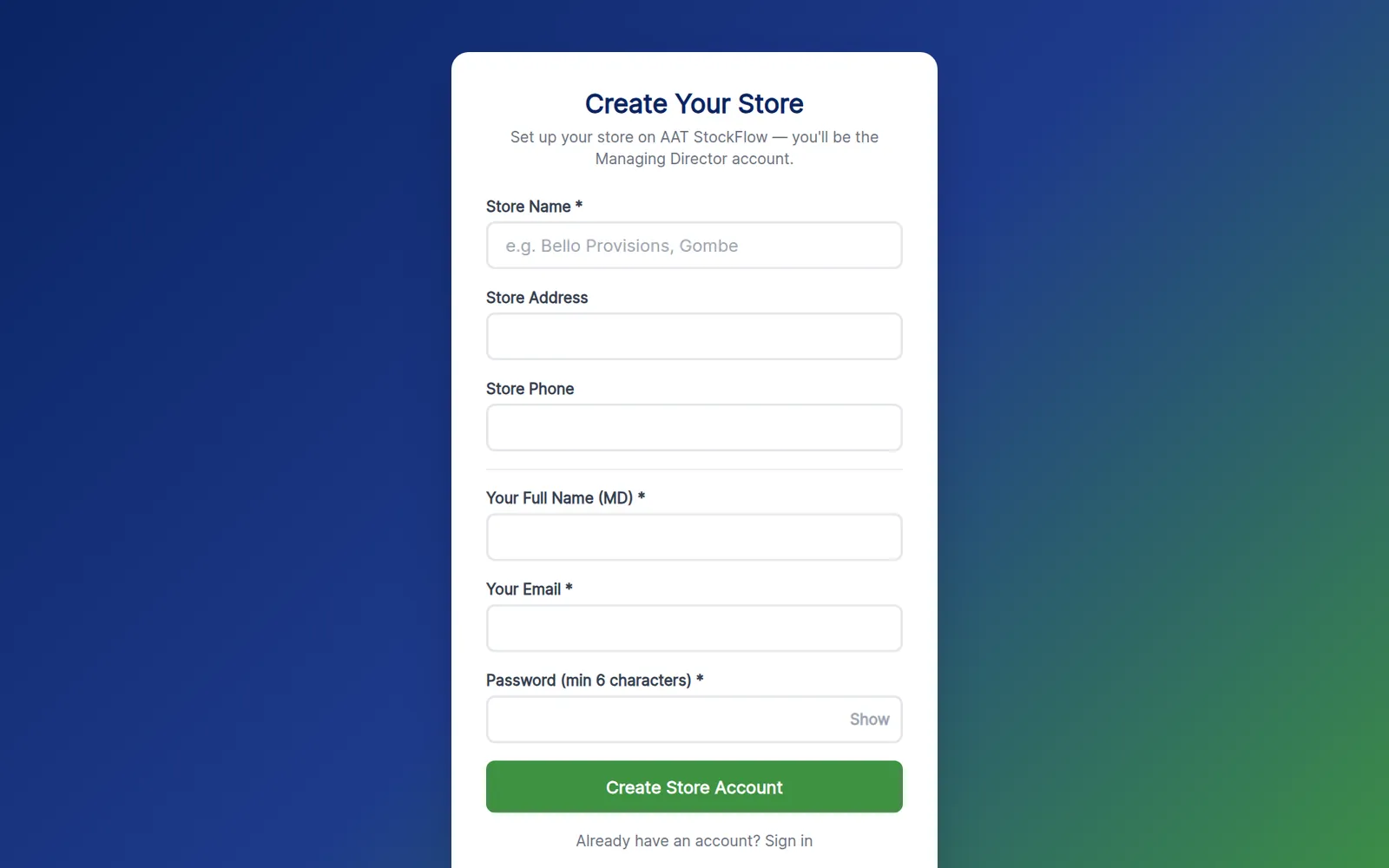
On the sign-in screen, tap New store? Create your store account.
Store Name (required), plus Store Address and Store Phone, which appear on your receipts.
Your Full Name, Email and a Password of at least 6 characters. Tap Create Store Account. You're signed in as the Managing Director, and your 30-day free trial starts.
Open Store Settings to upload your store logo and check your name, address and phone.
Go to Inventory → + Add Product. Enter the name, category and package unit (carton, crate, pack, bottle or single unit), then the cost, wholesale and retail prices, opening stock, reorder level and any crate or bottle deposit.
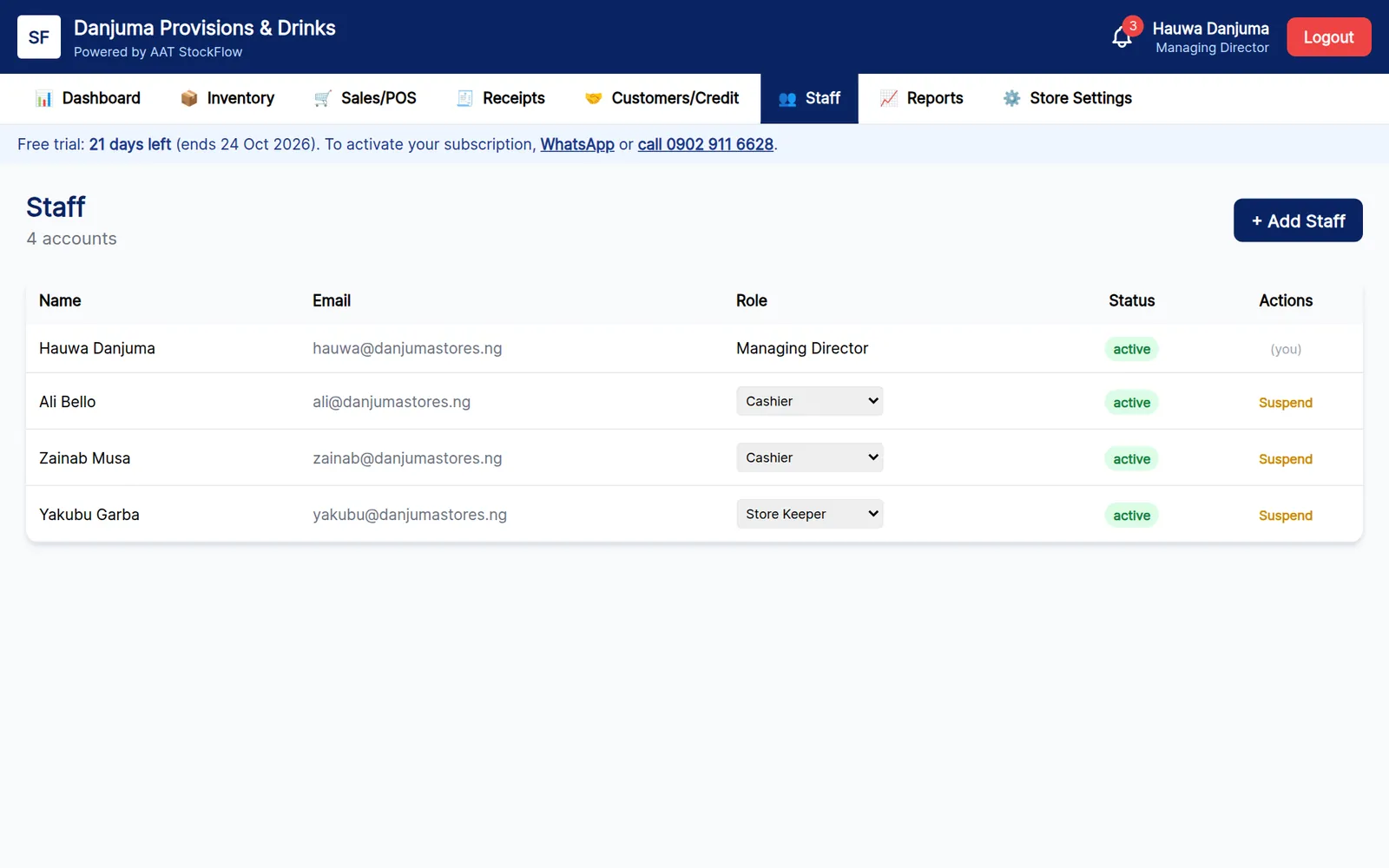
Go to Staff → + Add Staff. Enter their name, email and a password, and choose Cashier or Store Keeper. Then give them their login details.
Register regular customers under Customers/Credit with a credit limit. Then open Sales/POS and make your first sale.

| Pay for | Amount |
|---|---|
| 1 month | ₦5,000 |
| 3 months | ₦15,000 |
| 6 months | ₦30,000 |
| 12 months | ₦50,000 |
Prices are per store, in Naira, and may be reviewed.
Your store gets every feature for 30 days, counted from the day you sign up. A banner at the top of the app shows how many days are left.
When the trial or a paid period is almost over, StockFlow shows a reminder each day, with one-tap WhatsApp and call links to renew.
Pay for 1, 3, 6 or 12 months. Once payment is confirmed we activate your store. If you renew before a paid period ends, the new months are added on top.
Nothing is deleted. The store becomes read-only: staff can still sign in and view stock, receipts and customers, but new sales and changes are paused until you renew.
Only pay into the account details we send you directly from this number.
A computer, laptop, tablet or smartphone with an up-to-date Chrome, Edge or Safari browser.
One email address for the MD, plus one for each staff member who needs their own login.
Needed to sign in. After that, sales keep going through poor network and sync automatically when it's back.
Optional. Any printer your computer can print to, including small receipt printers, works for receipts.
No. Every new store gets 30 days free with every feature and no payment details. You only pay if you decide to continue.
Each product is sold in the unit you choose for it: carton, crate, pack, bottle or single unit. If you sell an item both ways, add it twice (for example "Coca-Cola 50cl — pack" and "Coca-Cola 50cl — bottle"), each with its own prices and stock.
Tick "returnable crate/bottle deposits" on a product and enter the deposit amount. It's added at checkout, shown on the receipt, and kept separate from your sales revenue in the reports.
No. Cashiers can sell, print receipts, see their own receipts and view stock. Only the MD can change products and prices or see reports and profit.
Yes. Each store's records are kept completely separate, and only staff you add can sign in to your store. You can suspend a staff member's access at any time.
Nothing is deleted. The store becomes read-only, so you can still view everything. Selling and editing are paused until you renew, and then everything works again.
Message us on WhatsApp with the store name and the staff member's email, and we'll help you reset it.
Each store has its own StockFlow account and subscription, with its own stock, staff and receipts. Message us and we'll help you set them up.